Computer (required)
Windows PC strongly recommended. This could be a laptop for flexibility, or a desktop for more power. Our studios and workflows use Windows PCs; macOS is not used in our labs and is less common in games development. Students may choose to use a Mac, but compatibility and support may be limited for some tools.
- Minimum: 6-core modern CPU, 16 GB RAM, discrete GPU with 6 GB VRAM, 512 GB SSD, 1080p display.
- Recommended: 8-core CPU, 32 GB RAM, 8 GB+ VRAM, 1 TB NVMe SSD, 1440p display or 15″+ high-resolution laptop screen with good colour (near-100% sRGB).
External Storage & Backup (required)
- Primary portable drive: 2 TB+ SSD (USB 3.2/USB-C) for active projects.
- Secondary backup drive: 2 TB+ (SSD preferred; HDD acceptable for archive).
- Keep your work in at least two locations at all times.
Peripherals & Accessories
- Three-button mouse with scroll wheel and a comfortable keyboard.
- Closed-back headset with microphone for critiques and collaborative sessions.
- Webcam for remote tutorials and reviews.
- (If using a laptop) Protective laptop sleeve and a small surge-protected extension for studio use.
Role-Specific Recommendations
- Games Art:
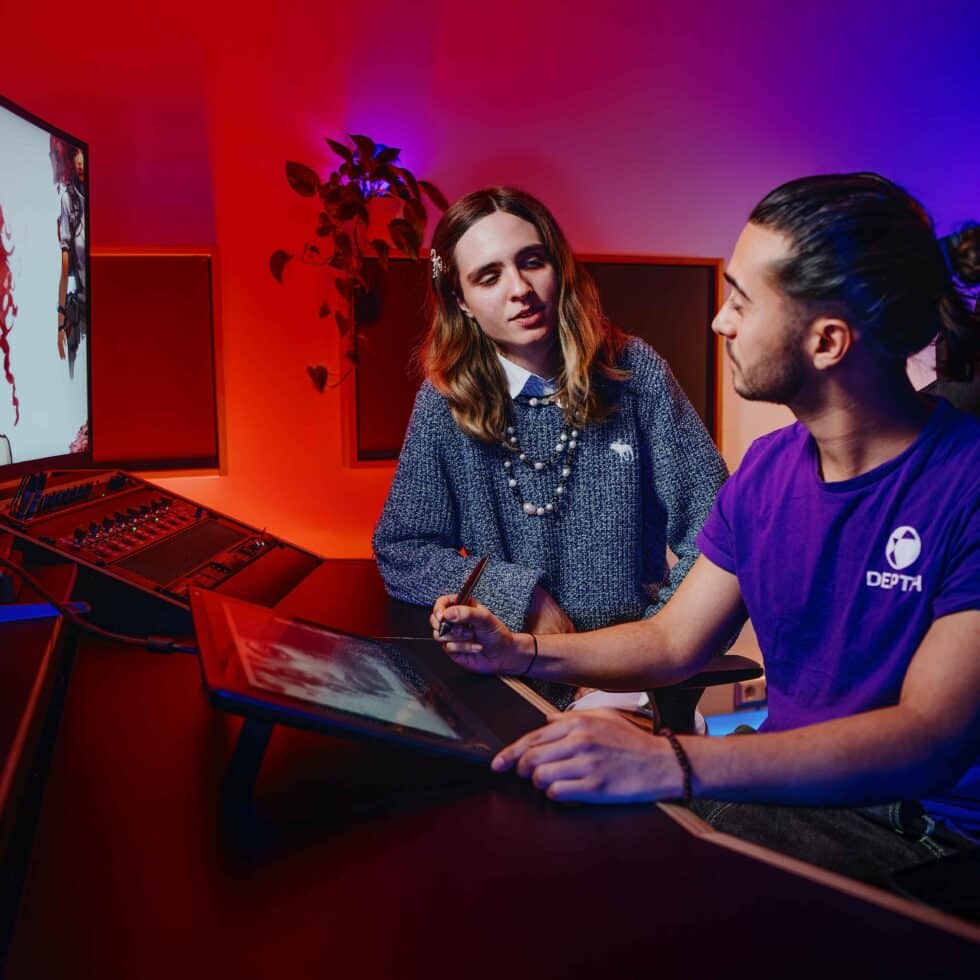
- Graphics tablet (optional) — not essential for purchase. The department provides pen/screen tablets in taught sessions and studio areas where required. Students who prefer personal devices are welcome to use them.
- A 24″ 1440p external monitor is helpful for colour and layout.
Buying Guidance
If planning a new purchase, you may wish to wait until registration to explore education discounts or ask tutors for advice. On-campus workstations are available, but a personal device is strongly recommended for flexibility.
Computer (required)
Windows PC strongly recommended. This could be a laptop for flexibility, or a desktop for more power. Our studios and workflows use Windows PCs; macOS is not used in our labs and is less common in games development. Students may choose to use a Mac, but compatibility and support may be limited for some tools.
- Minimum: 6-core modern CPU, 16 GB RAM, discrete GPU with 6 GB VRAM, 512 GB SSD, 1080p display.
- Recommended: 8-core CPU, 32 GB RAM, 8 GB+ VRAM, 1 TB NVMe SSD, 1440p display or 15″+ high-resolution laptop screen with good colour (near-100% sRGB).
External Storage & Backup (required)
- Primary portable drive: 2 TB+ SSD (USB 3.2/USB-C) for active projects.
- Secondary backup drive: 2 TB+ (SSD preferred; HDD acceptable for archive).
- Keep your work in at least two locations at all times.
Peripherals & Accessories
- Three-button mouse with scroll wheel and a comfortable keyboard.
- Closed-back headset with microphone for critiques and collaborative sessions.
- Webcam for remote tutorials and reviews.
- (If using a laptop) Protective laptop sleeve and a small surge-protected extension for studio use.
Role-Specific Recommendations
- Games Design:
- Game controller for testing prototypes.
- Paper prototyping kit: notebook/index cards, sticky notes, fine-liners, small ruler.
Buying Guidance
If planning a new purchase, you may wish to wait until registration to explore education discounts or ask tutors for advice. On-campus workstations are available, but a personal device is strongly recommended for flexibility.